 MacGames
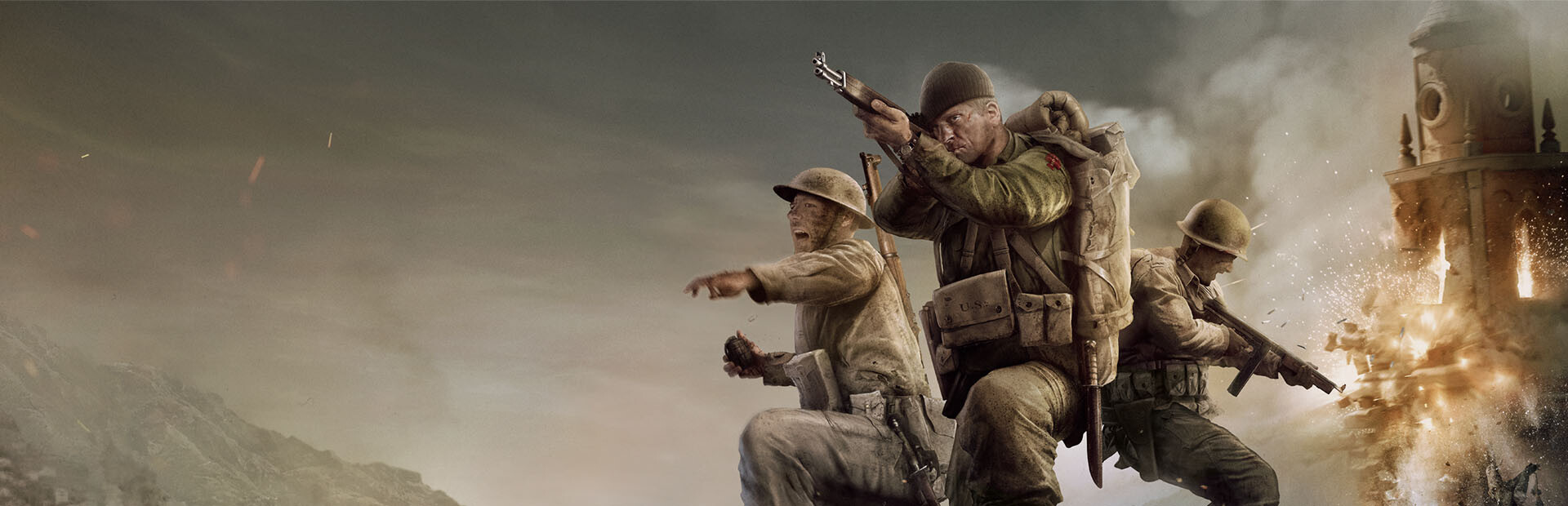
Company of Heroes 3 on Mac
MacGames runs Company of Heroes 3 on Apple silicon Macs. It sets up Steam, turns the game's DirectX into Metal and adds the Microsoft runtime that multiplayer needs.
What MacGames does for it.
Company of Heroes 3 (CoH3) is a Windows game. MacGames brings the parts it needs to run on a Mac, and sets them up for you.
DirectX through Metal
Apple's D3DMetal turns the game's DirectX calls into Metal.
Ready for multiplayer
Multiplayer needs Microsoft's Universal C Runtime. MacGames installs it for this game only, and every other program keeps Wine's own.
One Steam for your games
The game installs into the shared Steam library, so you sign in to Steam once for all your games.
- Store
- Steam, in the shared Steam library. Company of Heroes 3 on Steam
- Graphics
- Apple D3DMetal
- Mac
- Apple silicon, M1 or later
- macOS
- 26 or later, with Rosetta 2
From Set up to Play.
-
Set up
Download MacGames, choose Company of Heroes 3 and press Set up. MacGames checks your Mac and makes a Windows environment for the game.
-
Install
Steam opens. Sign in with your own account, then install Company of Heroes 3 and keep the default folder.
-
Play
Press Play. The game starts with its renderer, its fixes and your settings.
Questions.
Do I need to buy Company of Heroes 3 again?
No. You sign in to your own Steam account and install the copy you own. MacGames never includes or downloads games itself.
Which Macs can run it?
A Mac with Apple silicon (M1 or later) and macOS 26 or later, with Rosetta 2. MacGames tells you how to install Rosetta 2 if it is missing. Frame rates depend on your Mac.
Can I play online?
Online play with anti-cheat is at your own risk.
Is MacGames free?
Yes. MacGames is free and open source under the PolyForm Noncommercial license. Nobody can sell it.
More games on Mac.
Each one comes with its own recipe.
 Age of Empires IV
 Counter-Strike 2
 Age of Empires III: Definitive Edition
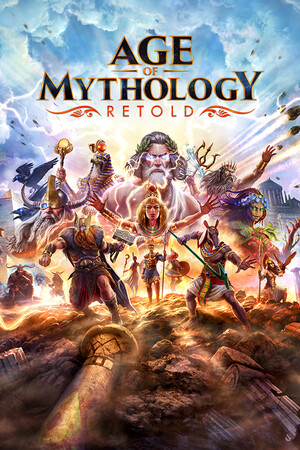 Age of Mythology: Retold
 Command & Conquer: Generals Zero Hour
 Command & Conquer: Red Alert 2
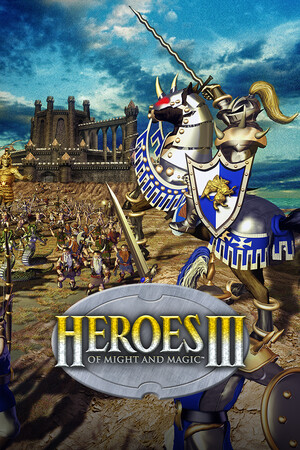 Heroes of Might and Magic III
 Diablo IV
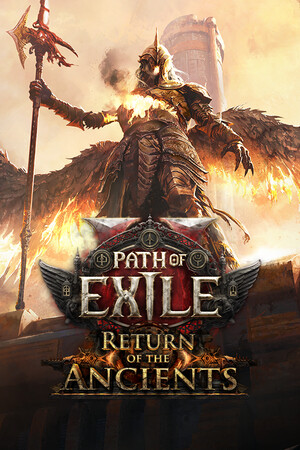 Path of Exile 2
 Hogwarts Legacy
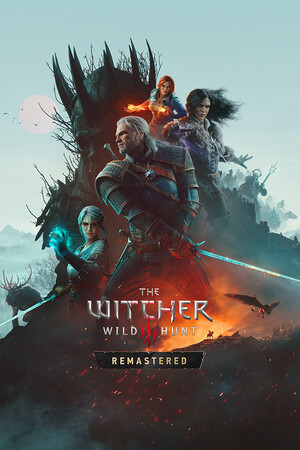 The Witcher 3: Wild Hunt
 Elden Ring
- Diablo IV from Battle.net
 Diablo II: Resurrected
 Red Dead Redemption 2
 GTA San Andreas: The Definitive Edition
 Grand Theft Auto V Enhanced
 The Elder Scrolls V: Skyrim Special Edition
 Overwatch
You need to own each game. Game art loads from Steam's store and belongs to each game's publisher.