 MacGames
MacGames
Windows games on your Mac.
MacGames sets up Steam, Battle.net and twenty Windows games on Apple silicon. It picks the right Wine engine and graphics layer for each game, so all you do is press Play.
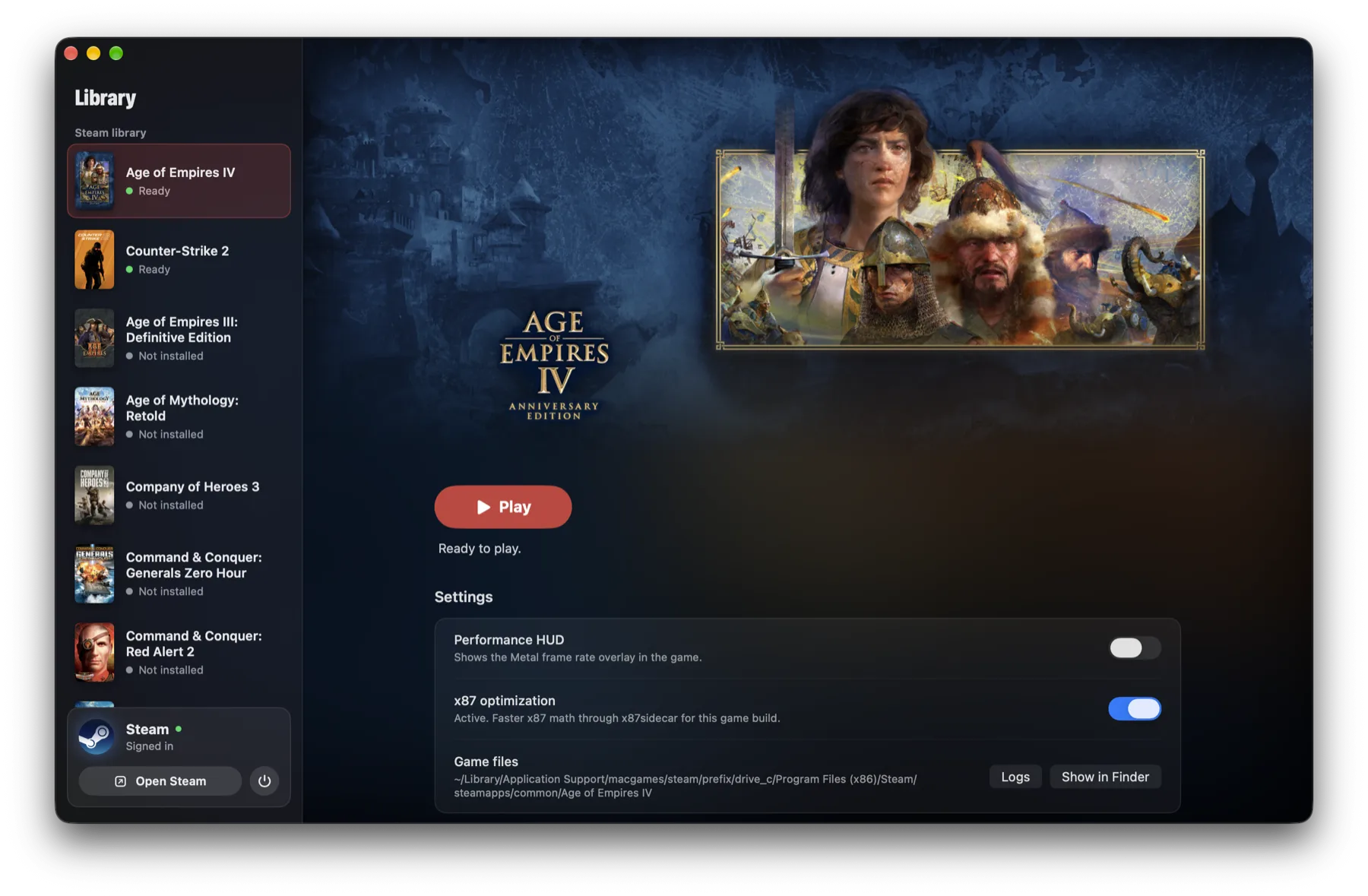
Twenty games, one library.
Every game comes with its own recipe: the renderer, the Windows settings and the fixes it needs.

You need to own each game. MacGames never includes or downloads games itself. Online play with anti-cheat is at your own risk. Game art loads from Steam's store and belongs to each game's publisher.
From Set up to Play.
Three steps, and only the second one asks anything of you.
-
Set up
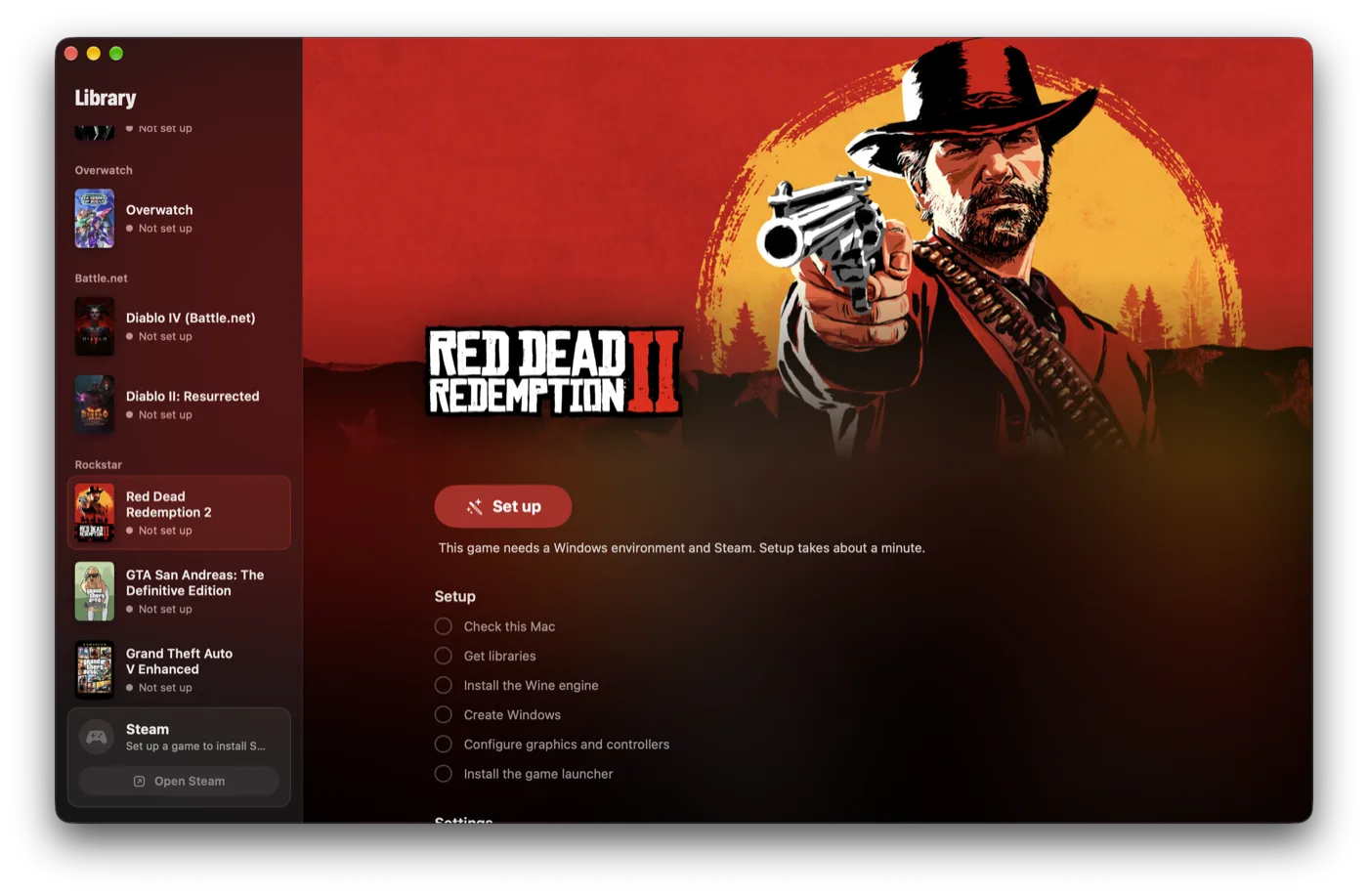
MacGames checks your Mac, installs the Wine engine and makes a Windows environment for the game. It takes about a minute.
-
Install
Steam or Battle.net opens inside that environment. Sign in with your own account and install the game the usual way.
-
Play
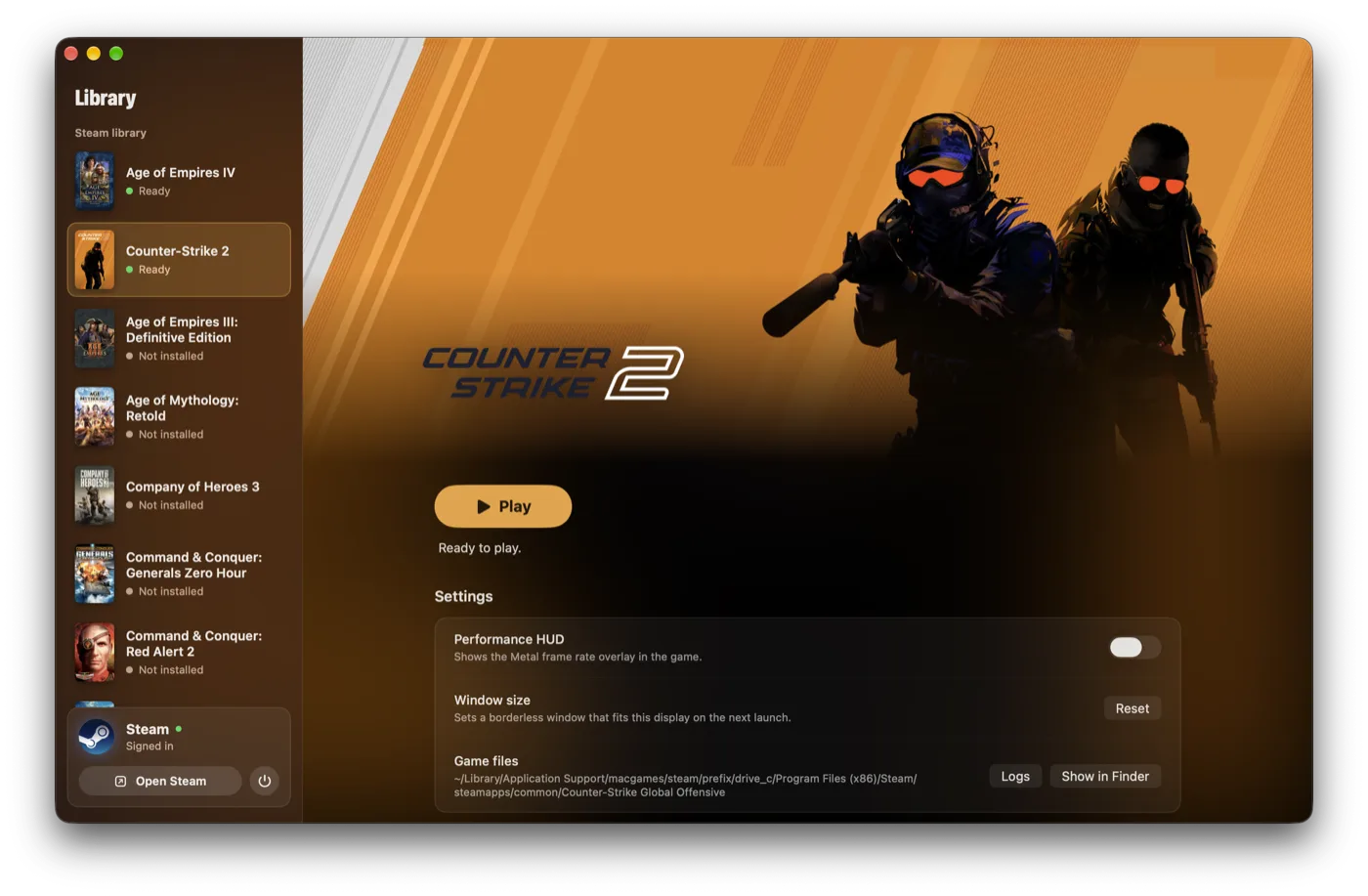
Press Play. The game starts with its renderer, its fixes and your settings. The sidebar shows downloads and what is running.
Tuned for each game.
There is no single setting that runs everything well. MacGames brings the parts each game needs, and keeps the games that need different ones apart.
Apple D3DMetal
DirectX 12 and 11 through Metal, for most modern games.
DXMT
DirectX 11 on Metal, with shaders compiled before they are needed.
x87sidecar
Fast x87 math for Age of Empires IV, where Rosetta 2 is slow.
cnc-ddraw
DirectDraw for classics such as Heroes III and Red Alert 2.
Recall
Wine and DXMT tuned for Overwatch: raw mouse input, Game Mode and pipelines ready before a match.
Game controllers
Controllers work through SDL, also when the window is in the back.
Online clients
GeneralsOnline and CnCNet, set up and started with one button.
Kept apart
Windows has no links into your home folder. Saves and settings stay when you uninstall a game.
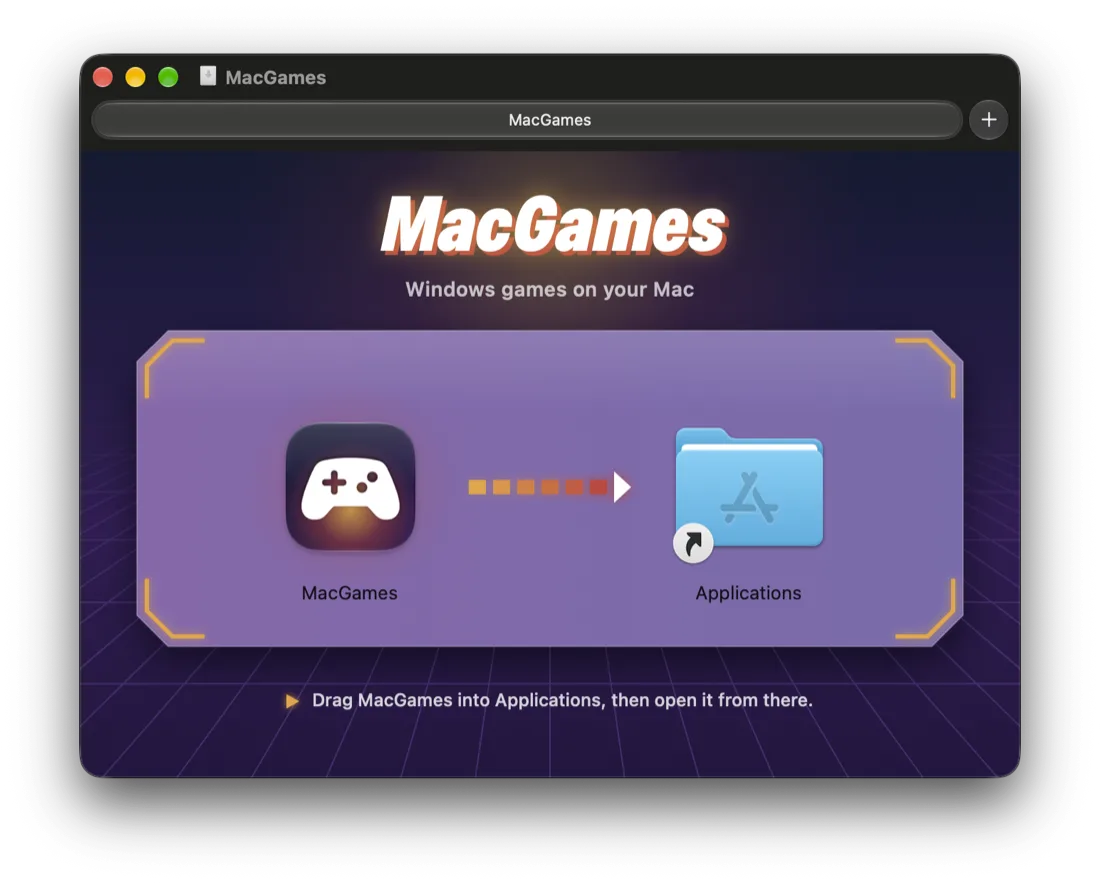
On your Mac in a minute.
- Download the disk image. It is signed and notarized by Apple.
- Drag MacGames into Applications, then open it from there.
- Choose a game and press Set up.
- Mac
- Apple silicon, M1 or later
- macOS
- 26 or later, with Rosetta 2
- Space
- About 3 GB, plus your games
- Updates
- MacGames updates itself. You can also choose Check for Updates in the MacGames menu.
Free to play with, never for sale.
MacGames is open source under the PolyForm Noncommercial license. You can use it, change it and share it for anything that is not commercial. Nobody can sell it.
It stands on the work of open-source projects: Wine, DXMT, x87sidecar, Recall, cnc-ddraw, SDL and Sparkle.
Help MacGames grow
Ask for a game, tell us about a problem, or add a game yourself: each one is a single profile in code.